Free conversion audit
Get a tailored action plan based on your current funnel.
Shopify B2B conversion rate is the share of eligible business buying journeys that reach your defined commercial outcome. The outcome might be a paid online order, an approved draft order, a submitted order for review, or a qualified account request. The denominator must match that outcome.
A standard sessions-to-purchase rate can be useful for self-service wholesale, but it can misrepresent stores that use negotiated catalogs, payment terms, sales-assisted quotes, draft approval, multiple company locations, or offline payment.
This framework uses official Shopify B2B, analytics, company, catalog, checkout, and reporting documentation checked on September 4, 2026. It shows how to define the funnel, segment company behavior, diagnose friction, and improve conversion without borrowing a misleading universal benchmark.
Shopify B2B Conversion Rate: The Quick Answer
Measure at least two conversion rates: a self-serve digital rate and a commercial completion rate. The self-serve rate asks how often eligible B2B sessions produce an online order. The commercial rate asks how often a qualified buying journey produces an accepted order, even when sales review, a draft, invoice, or payment term sits between cart and completion.
Then track stage progression: successful sign-in, company-location selection, catalog view, product view, cart addition, checkout or draft submission, approval, payment, and repeat order. This reveals whether the leak is access, merchandising, pricing, purchasing policy, checkout, internal approval, or fulfillment confidence.
Do not grade a mixed B2B and D2C store with one blended rate. Filter business orders and company activity so the denominator represents the buyers and journey you are trying to improve.
Why B2B Ecommerce Conversion Needs Its Own Definition
Shopify describes B2B as a native suite for selling through companies and company locations. Each location can have its own pricing, products, currency, payment terms, checkout settings, contacts, billing information, and shipping behavior.
That structure changes the buying journey. A purchaser might sign in, switch company location, review a private catalog, meet a quantity rule, add a purchase order number, submit the order as a draft, wait for approval, and pay later. A session that does not produce an immediate paid order can still be commercially successful.
Write the conversion definition in plain language. For example: “An eligible B2B buying journey converts when an approved company contact submits an order that becomes a valid B2B order within seven days.” Your analytics, CRM, and sales reporting should then use the same definition.
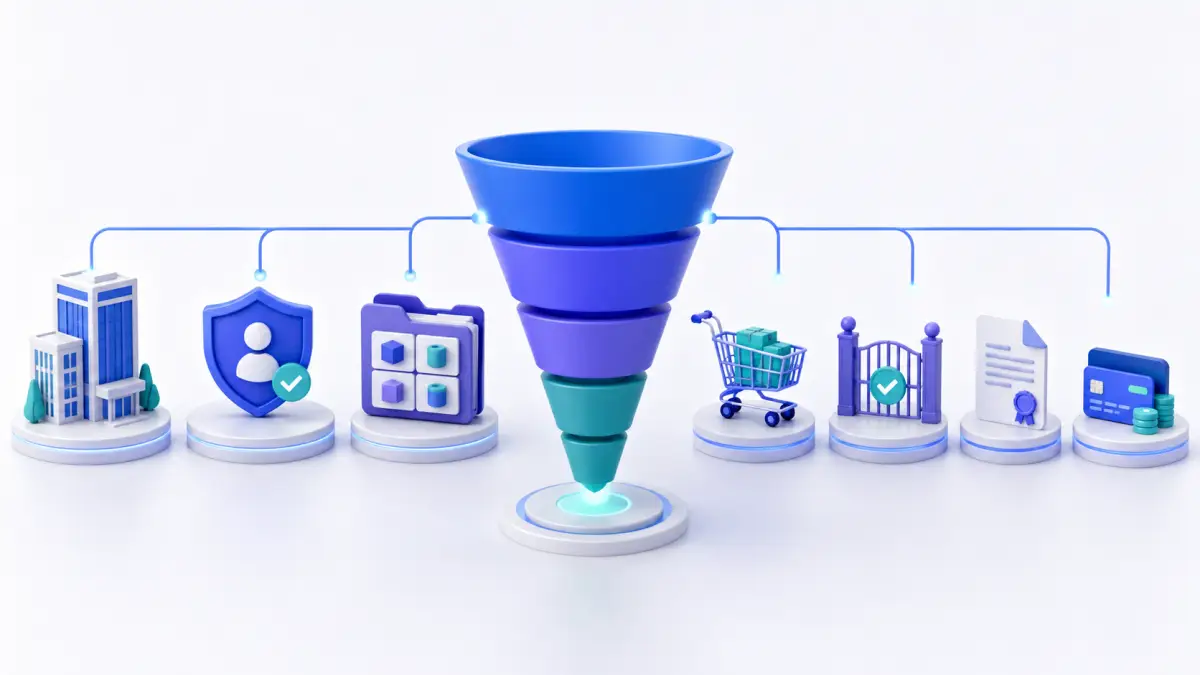
Define the Shopify B2B Conversion Funnel
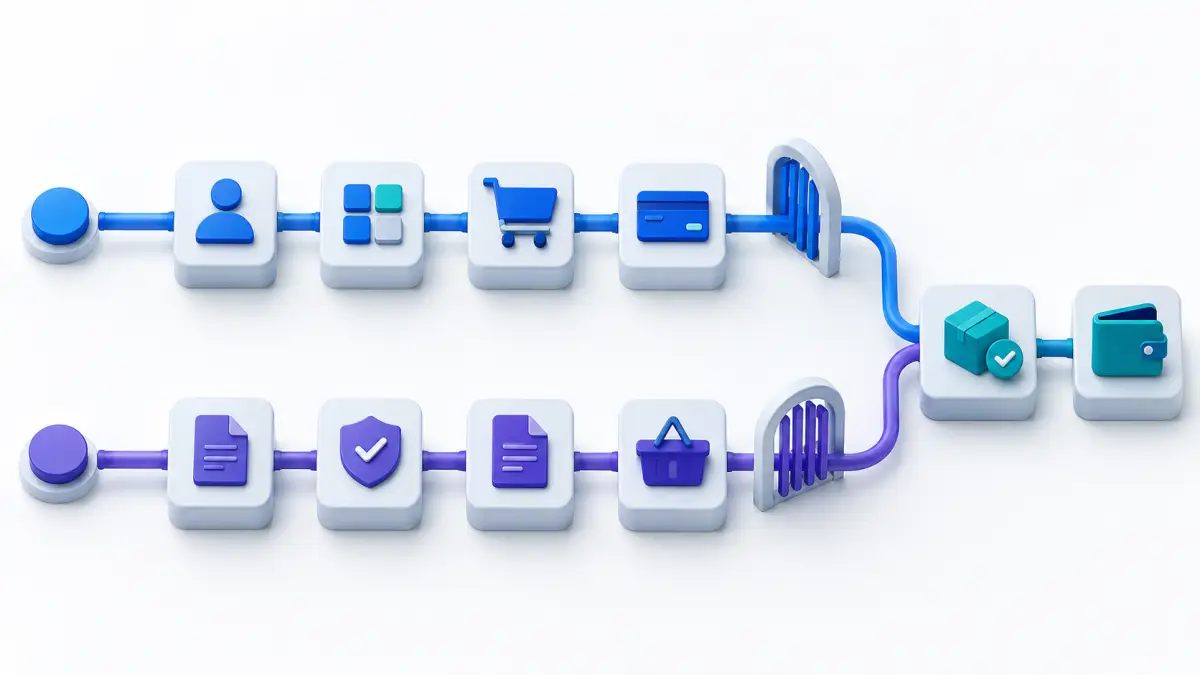
Map the path before choosing metrics. Shopify’s official B2B capabilities support self-serve checkout, draft orders, payment terms, deposits, different payment and shipping methods, company-specific catalogs, and account experiences.
- Eligible account: the company, location, contact, and permissions exist.
- Access: the buyer signs in and selects the intended company location.
- Discovery: the correct catalog, products, prices, and availability appear.
- Intent: the buyer adds an eligible quantity to cart or requests a quote.
- Submission: checkout completes or the order is submitted as a draft.
- Approval: the seller or buyer organization accepts the order when approval is required.
- Payment and fulfillment: the agreed terms, deposit, invoice, or immediate payment is valid.
- Repeat: the company location places the next order with less friction.
Maintain separate paths for self-service and sales-assisted orders. They can share stage definitions but should not be forced into the same duration or final-step formula.
Calculate Shopify B2B Conversion Rates
Use a small set of transparent formulas:
- Self-serve B2B conversion rate: B2B sessions with submitted online orders ÷ eligible B2B sessions × 100.
- Draft-order completion rate: approved B2B draft orders ÷ qualified B2B drafts submitted × 100.
- Account activation rate: company contacts completing first successful sign-in ÷ invited company contacts × 100.
- Catalog-to-cart rate: eligible company sessions with cart additions ÷ eligible company sessions viewing catalog products × 100.
- Repeat-order rate: company locations placing another order in the defined window ÷ eligible purchasing company locations × 100.
Name the attribution window. A same-session rate is useful for self-service usability; a seven- or thirty-day account-based view can better reflect negotiated or approved orders. Keep both when the sales cycle supports both.
Use Shopify B2B Analytics and Reports
Shopify’s B2B reporting guidance explains how to build custom explorations using dimensions such as Is B2B order, company, and company location. Shopify’s analytics reference also documents company and location fields that can be combined with sales metrics.
- Filter sales and orders where
Is B2B orderis true. - Group net sales, orders, returns, and units by company and company location.
- Build a second view by week or month to show trend and account concentration.
- Join storefront events or approved analytics data for sign-in, catalog, cart, and checkout stages.
- Reconcile draft submissions, approved orders, and gateway or invoice status outside a session-only report.
The standard online-store conversion rate still answers a useful question for self-service traffic. It does not automatically explain draft reviews, phone or email orders, sales-assisted changes, delayed payment, or buyers who return in another session.
Segment Shopify B2B Conversion by Company
Aggregate conversion can be dominated by a handful of large accounts. Segment by company, company location, market, catalog, account maturity, sales owner, acquisition source, device, payment term, order method, and first versus repeat order.
A new account trying to place its first order faces setup and trust friction. A mature account reordering known SKUs values speed, saved information, quantity control, and reliable inventory. Their journeys should not share the same target or diagnosis.
Watch concentration as well as averages. If one company produces a large share of orders, a blended improvement can hide declining activation among the rest of the portfolio. Report both total revenue and the number of active, ordering company locations.
Find Shopify B2B Conversion Friction
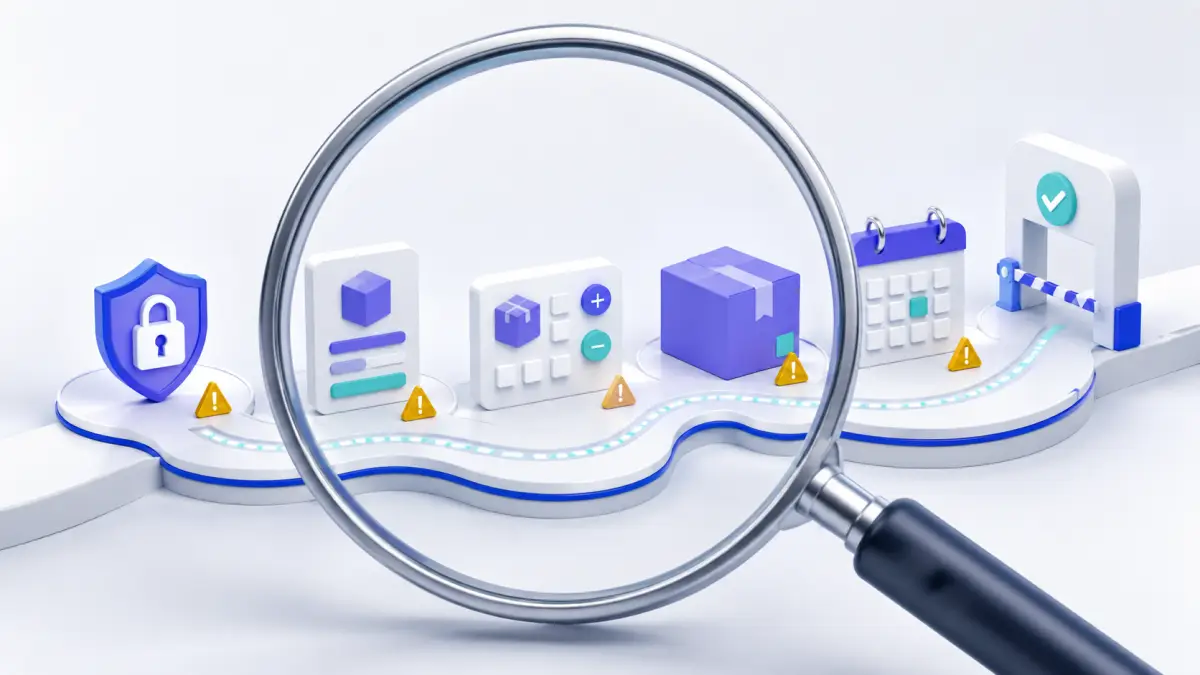
Start with the stage showing the largest material loss, then inspect the actual company rules and buyer experience.
- Sign-in friction: the contact is not associated with the right company location or cannot complete the account-code flow.
- Catalog friction: products, contract pricing, currency, or availability do not match the buyer’s expectation.
- Quantity friction: minimums, maximums, increments, packs, or volume prices are unclear until late.
- Checkout friction: shipping addresses, payment methods, payment terms, deposits, tax rules, or purchase orders do not fit policy.
- Approval friction: submitted drafts wait without a clear owner, service level, or next step.
- Integration friction: ERP, inventory, tax, customer, or order data disagrees across systems.
Shopify’s B2B account documentation notes that buyers use company locations and catalog-specific prices during the journey. A configuration mismatch can look like weak demand when the buyer is actually seeing the wrong commercial experience.
Improve Shopify B2B Account and Catalog Conversion
Make the first successful order a designed onboarding milestone. Confirm the company contact, location, catalog, pricing, tax treatment, payment terms, shipping rules, purchase-order expectations, and approval process before sending traffic.
Shopify’s B2B catalog documentation supports company-specific product access, pricing, quantity rules, and volume pricing. Show these rules early enough for the buyer to build a valid cart. A surprise minimum at checkout wastes both buyer and sales-team time.
For repeat buyers, reduce reordering effort. Make order history, account information, saved payment or payment terms, common products, and appropriate company-location context easy to access. Test access with real permission roles in a safe environment.
Improve Shopify B2B Checkout and Draft Approval
Shopify’s current B2B checkout documentation supports different payment and shipping methods, vaulted payment information where eligible, payment terms, deposits, store credit, editable shipping rules, and orders submitted as drafts for review.
Choose the path that matches the commercial policy. Automatic submission creates speed; draft review creates control. If every routine reorder waits for manual review, measure approval time and the percentage that require a material change. If approval rarely changes the order, a narrower review rule may be better.
Date-sensitive note: as of September 4, 2026, Shopify says abandoned checkouts are off by default for B2B and are unavailable outside Shopify Plus; eligible Plus stores must contact Plus Support to activate them. Confirm current availability before designing recovery around that feature.
Test the Shopify B2B Buying Experience
Shopify’s official B2B testing guide recommends using a test company, company location, catalog, customer account, and configured checkout settings. Follow the full path instead of previewing a product page in isolation.
- Create or use an authorized test company and location.
- Assign the intended catalog, price rules, terms, and checkout settings.
- Sign in as a contact with the exact role being tested.
- Verify products, prices, quantities, currency, tax, shipping, and payment options.
- Submit the order through the intended automatic or draft-review path.
- Confirm order, company, location, payment, and downstream integration data.
- Repeat on mobile and for multiple-location contacts when those segments matter.
Test the difficult edges: unauthorized location, wrong catalog, out-of-stock item, quantity increment, large cart, deposit, purchase order number, editable address, expired contact, and delayed approval. These cases often expose the friction hidden by a perfect demo account.
Worked Example: Separate Self-Serve and Assisted Orders
Consider an illustrative month with 1,000 eligible B2B sessions. Eighty produce submitted self-serve orders, so the same-session self-serve conversion rate is 8%. Another 60 sessions produce qualified draft submissions; 45 of those become approved orders within seven days, a 75% draft completion rate.
Calling the store’s conversion rate 8% ignores 45 valid assisted outcomes. Calling it 12.5% by adding all orders to sessions can also mislead because draft orders follow a different window and may involve multiple sessions. The accurate report presents both paths, plus combined approved orders by company location.
This example is not a client result or an industry benchmark. It shows why denominator, outcome, and time window must be explicit.
Build a Shopify B2B Conversion Scorecard
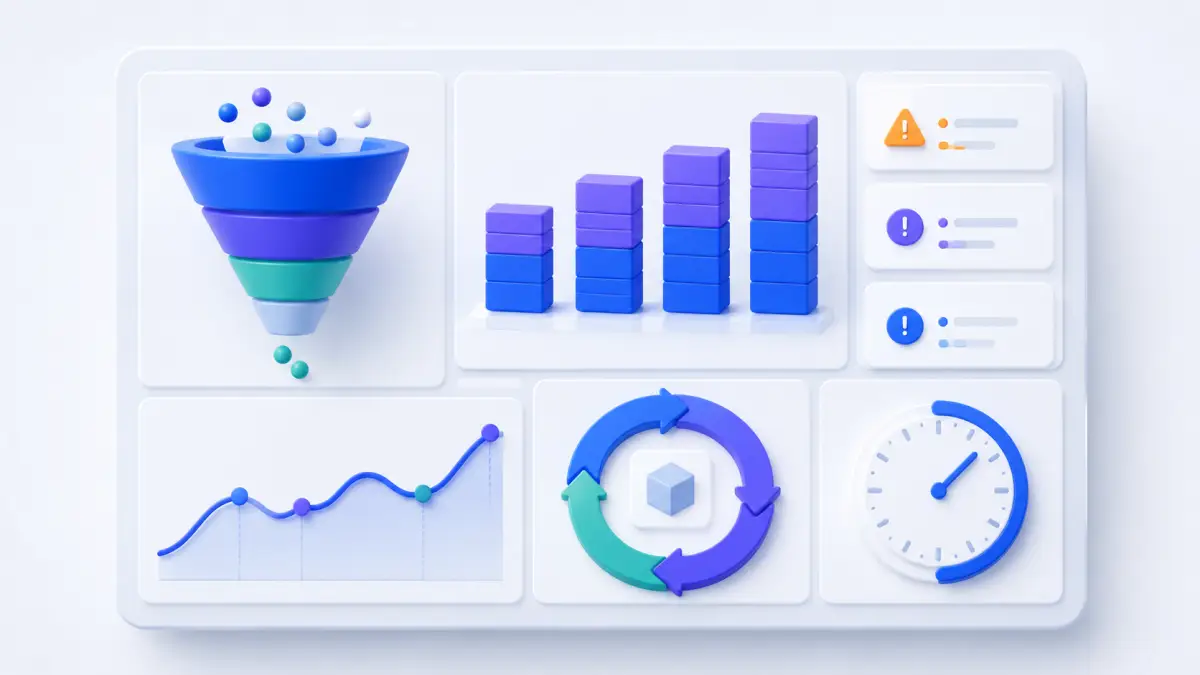
Use a weekly operating view and a monthly strategy view. Include eligible accounts, activated contacts, active company locations, catalog sessions, cart sessions, self-serve orders, submitted drafts, approved drafts, approval time, net sales, returns, repeat orders, and integration exceptions.
Add guardrails: average order value, gross margin, payment delay, support contacts, fulfillment exceptions, return rate, and manual touches per order. A faster conversion path that creates pricing errors or operational rework is not an improvement.
Annotate catalog, price, account, theme, checkout, ERP, and policy changes. Review large accounts individually while using cohorts to understand the broader portfolio.
Prioritize Shopify B2B Conversion Experiments
Fix correctness before persuasion. Resolve account access, catalog assignment, pricing, inventory, quantity, tax, shipping, payment, and integration defects. Then test changes that reduce effort or uncertainty at the leaking stage.
Examples include clearer quantity rules near product controls, an onboarding checklist for first orders, a faster reorder path for mature accounts, earlier payment-term visibility, or a defined draft-approval service level. Run controlled releases by company segment when possible.
Use our Shopify checkout optimization guide for general buying-path principles and the Shopify conversion benchmark guide for broader context. Your B2B scorecard should remain company-aware and policy-aware.
Get a Free Shopify B2B Conversion Audit
Site OptimizR can review your company and location setup, catalog rules, storefront events, self-serve funnel, draft-order process, checkout configuration, integration evidence, and reporting definitions. The result is a prioritized measurement and conversion plan tied to how your business actually sells.
Book your free Shopify B2B conversion audit before you optimize a blended number that hides the real buying path.